
Designs, templates and Studio
Making sublimation designs and templates, and how to use Sublishop Studio to lay out and print them.
Help articles
- Getting started with StudioThe basics of Sublishop Studio: sign in, add blanks to a print sheet, put your designs on them and print.
- Finding products and templatesHow to find the blank you're printing in Sublishop Studio, what You've ordered shows, and what to do when a blank is missing or a template looks wrong.
- Uploading and editing designsHow to upload images to Sublishop Studio, place them on products, fit them, add text and use one design on every copy of a product.
- Making your own templateDraw a shape to size, or trace a blank from a photo, when the template you need isn't in Studio.
- Sizes, bleed and marginsHow Studio sizes each blank, what the bleed band is, and how to set page margins, gaps, paper size and rolls.
- Pages and rollsHow Sublishop Studio lays products out across A4 and A3 pages, how to keep products on a page, and how roll printing works.
- Printing and PDFsHow to print or download a PDF from Studio, the print settings to use, and why prints come out the wrong size or not mirrored.
- Free access and subscriptionPrinting from Studio is free for 30 days after every Sublishop order. How that works, and how the monthly subscription works if you aren't ordering.
- Your Studio accountWhat's on your Sublishop Studio account page: printing access, billing, your details, default settings for new batches, feedback and deleting your account.
Guides
-
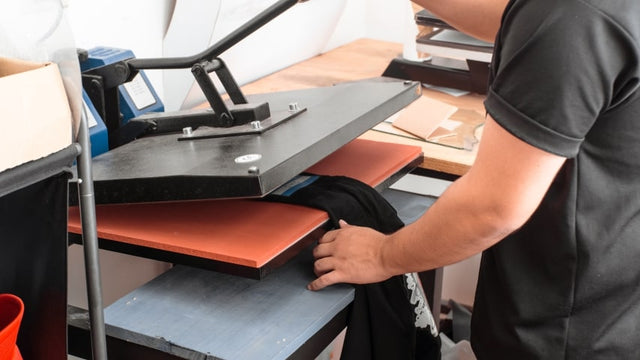 How to Create Custom Sublimation Designs
Choosing Your Design Software The software you use to create sublimation designs has a big impact on the quality of...
-
 How to Create Full-Wrap Sublimation Designs
 Full-wrap sublimation is where things get interesting. Instead of printing a logo or image...
-
 Creating Ombre and Gradient Effects with Sublimation
Why Sublimation Handles Gradients So Well If you've ever tried printing a smooth gradient with screen printing or vinyl, you'll...
-
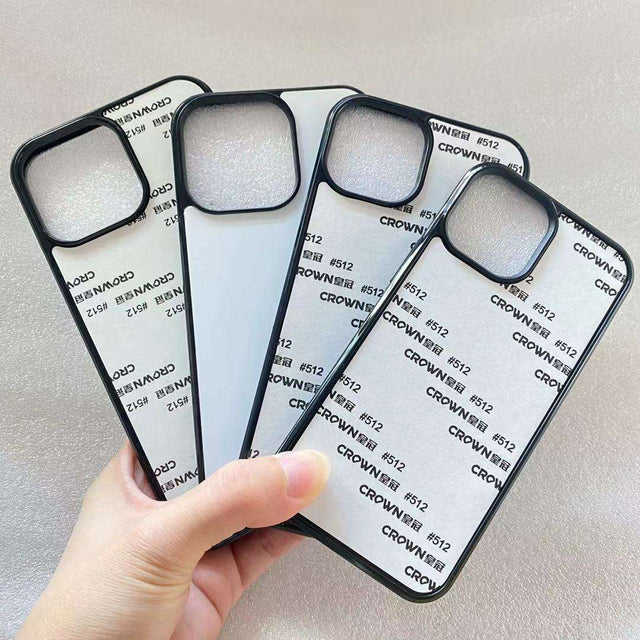 How to Design Sublimation Templates for iPhone 16 Series Cases
Getting Your Template Dimensions Right Sublimation phone cases are one of the most satisfying products to make, but they're also...


Can't find what you need?
Send us a message. For a print problem, include a photo of the pressed item and your printer model. In Studio you can also use Feedback in the account menu.