
Colour and ICC profiles
ICC profiles for Epson sublimation printers, and fixes for wrong, dull or faded colours.
Help articles
- Download and install an ICC profileWhere to download the free Sublishop ICC profile for your Epson printer, and how to install and select it on Windows or Mac.
- Wrong colours: green, orange or purple tintWhy pressed sublimation prints come out with the wrong colours, and what to check, in order.
- Dull or faded printsWhy a sublimation print looks dull, and how to tell a printing problem from a pressing problem.
Guides
-
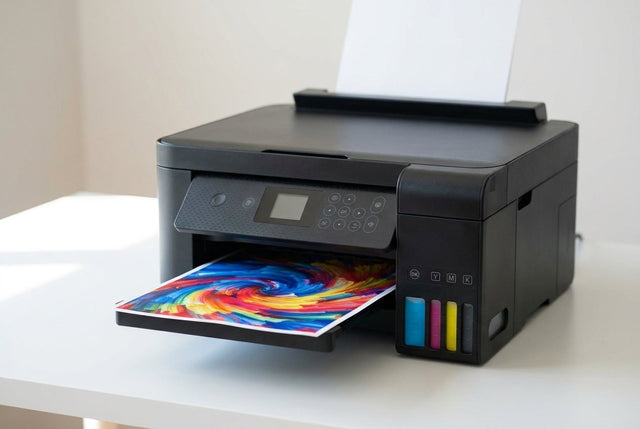 ICC Profiles for Sublimation: What They Do and How to Use Them
Explains what an ICC profile is, why sublimation colours shift without one, and how to install and select a profile...
-
 Why Is My Sublimation Print Green or Orange? Colour Fixes Explained
 You've designed something you're proud of, hit print, pressed...
-
 Sublimation Prints Coming Out Too Dark or Too Light? Here's Why
Why Are My Sublimation Prints Too Dark or Too Light? Getting the colour density right in sublimation is one of...

Download ICC profiles from the Colour Hub
Can't find what you need?
Send us a message. For a print problem, include a photo of the pressed item and your printer model. In Studio you can also use Feedback in the account menu.