
Printers and setup
Setting up an Epson EcoTank for sublimation, choosing a printer, refilling ink, head cleaning and error lights.
Help articles
Guides
-
 How To Set Up An Epson EcoTank Sublimation Printer On Windows
How to Set Up an Epson EcoTank Sublimation Printer on Windows Getting your Epson EcoTank sublimation printer running on Windows...
-
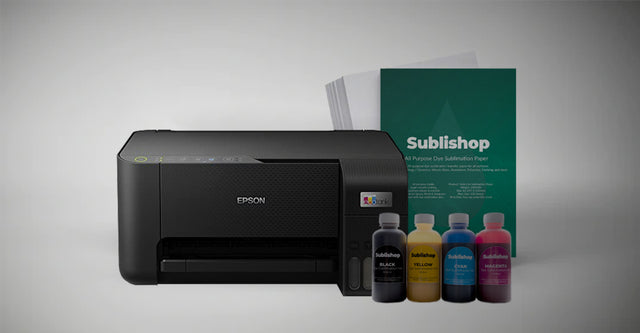 How To Set Up An Epson EcoTank Sublimation Printer On Mac
How to Set Up an Epson EcoTank Sublimation Printer on Mac Setting up a sublimation printer on a Mac is...
-
 How to Turn an Epson Printer into a Sublimation Printer
 Epson EcoTank printers are the go-to choice for sublimation because...
-
 Best Sublimation Printer UK 2026: Which Epson EcoTank to Buy
This guide covers the converted Epson EcoTank sublimation printers we sell in the UK in 2026: which size you need,...
-
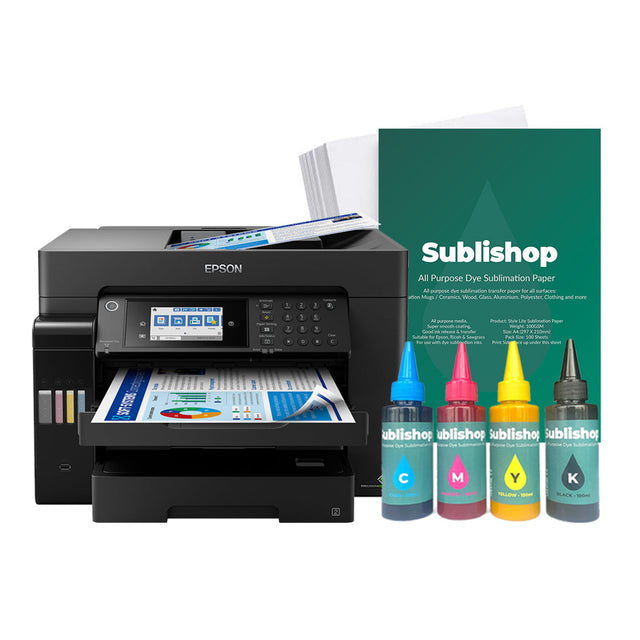 What is the best A3 Sublimation Printer?
An A3 sublimation printer prints transfers twice the size of A4, so one sheet covers a large design on a...
-
 A Deep Dive into Epson ET-16150: Is It Worth the Investment for A3 Sublimation?
Epson ET-16150: Is It Worth the Investment for A3 Sublimation? The Epson EcoTank ET-16150 is the printer that most sublimation...
-
 What is the difference between the Epson EcoTank ET-2810 and the ET-2850
Epson ET-2810 vs ET-2850: Which Is Better for Sublimation? If you're looking to get started with sublimation printing, chances are...
-
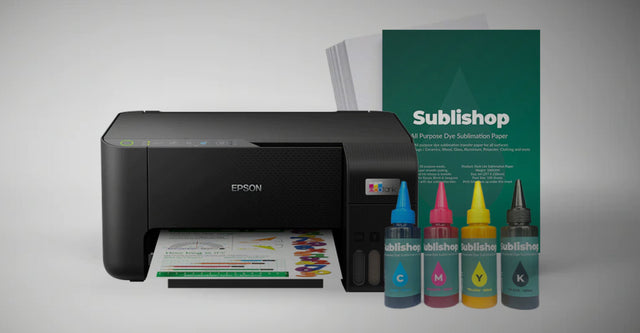 What is the difference between the Epson EcoTank ET-2810 and the ET-2862
Epson EcoTank ET-2810 vs ET-2862: the short answer For sublimation, the ET-2810 and ET-2862 print the same. Epson has discontinued...
-
 Sawgrass vs Epson: Why Epson EcoTanks come out on top for Sublimation
Sawgrass vs Epson: Why Epson EcoTanks Are the Better Value for Sublimation If you have spent any time researching sublimation...
-
 Understanding the Difference Between Sublimation Printers and Normal Printers
A sublimation printer is an inkjet printer filled with sublimation ink instead of normal ink. It prints your design onto...
-
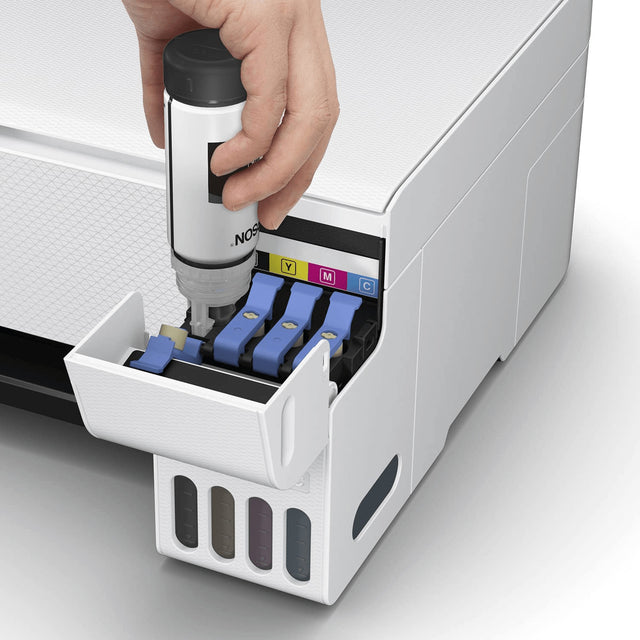 How to Refill Sublimation Ink in an Epson EcoTank Printer
Before You Start Refilling an Epson EcoTank printer with sublimation ink is a simple job, but doing it carelessly can...
-
 How to Use Sublimation Paper Correctly (Do’s and Don’ts)
Why Sublimation Paper Matters More Than You Think Sublimation paper is the link between your printer and your finished product....
-
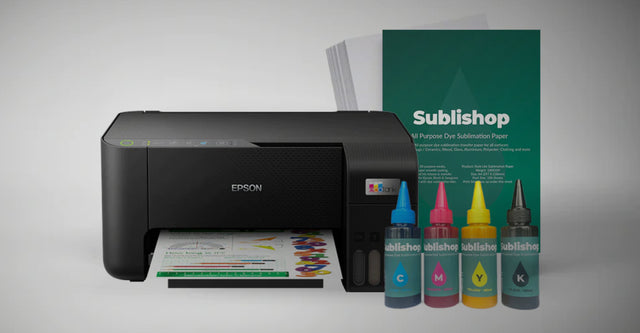 How to clean the print heads on an Epson EcoTank 2810 Series (ET-2810, ET-2814, ET-2862)
Cleaning the Print Heads on Your Epson EcoTank ET-2810, ET-2814 or ET-2862 If your Epson EcoTank 2810 series printer is...
-
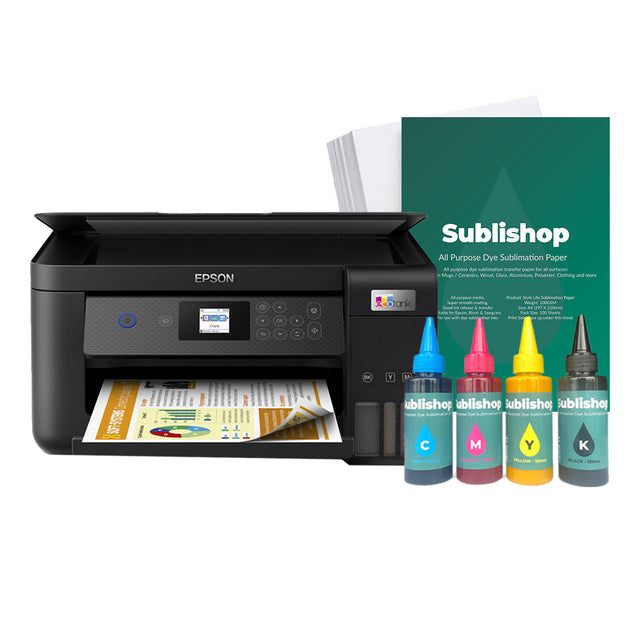 How to clean the print heads on an Epson EcoTank 2850 Series (ET-2850, ET-2851, ET-2852)
Cleaning the Print Heads on Your Epson EcoTank ET-2850, ET-2851 or ET-2852 Streaky prints, missing colours or faded output on...
-
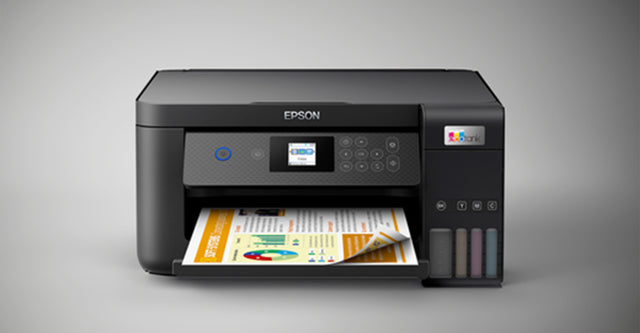 How to Perform a Power Cleaning on Epson EcoTank Printers
What Is Power Cleaning and When Do You Need It? If you've run a standard head cleaning on your Epson...
-
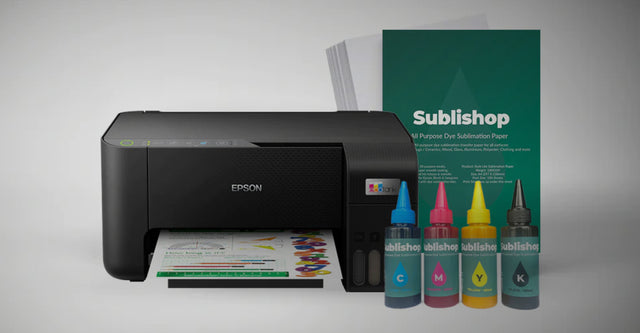 How To Fix All Lights Flashing On ET-2810 series
Why All the Lights Flash at Once The Epson ET-2810 series (including the ET-2810, ET-2814, and ET-2862) doesn't have an...


Can't find what you need?
Send us a message. For a print problem, include a photo of the pressed item and your printer model. In Studio you can also use Feedback in the account menu.